Walks are better together.
Plan a walk. Share the link. Your friend taps it on their iPhone — and EmberPaws opens right to the walk, RSVP-ready. The rest is just dogs sniffing things.
How Walking Club works
Three taps from "we should meet up next Saturday" to "five dogs are RSVP'd."
-
Plan the walk
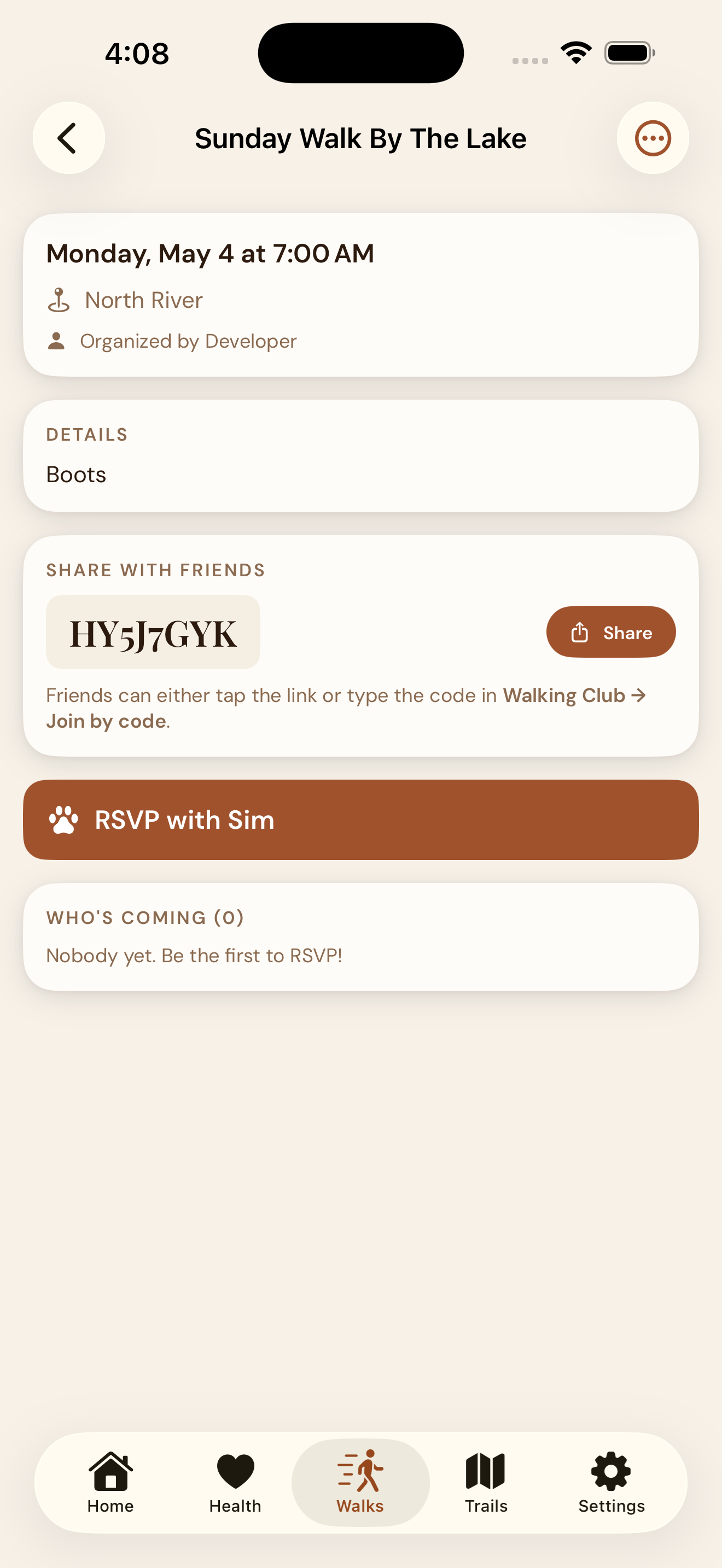
Open EmberPaws → Walking Club → Organize a Walk. Pick the trail or meeting spot, set the date and time, choose which of your dogs is coming, add an optional note (the leash you forgot last time, what coffee to bring, the spot to park).
-
Share the invite
Tap Share. EmberPaws opens the iOS share sheet with a tappable invite link. Send it via iMessage — the preview cards show the meeting time, place, and your dog's name. The link works in AirDrop, Mail, or anywhere a URL goes.
An 8-character code is shown too, for friends who'd rather type it into the app directly than tap a link.
-
Friends tap and join
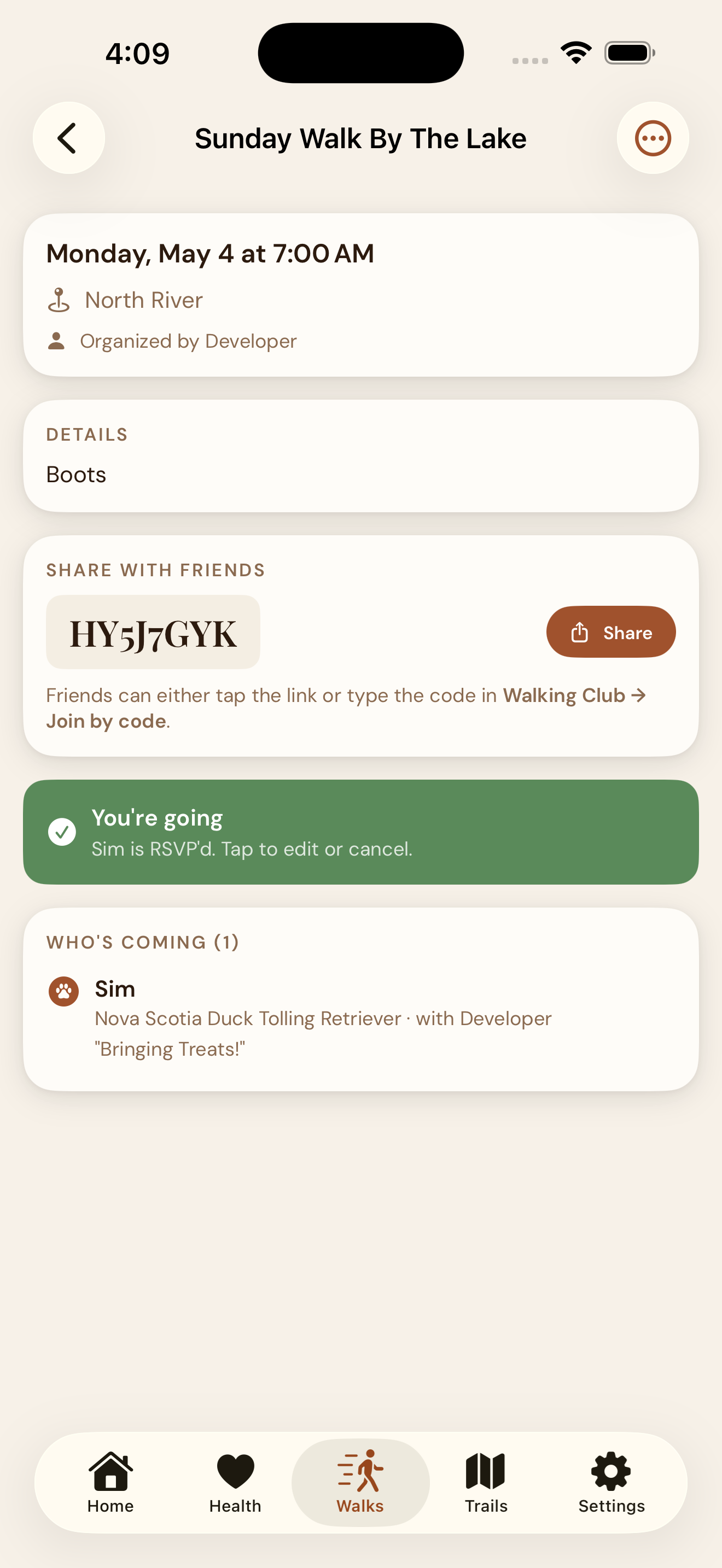
Your friend taps the link on their iPhone. EmberPaws opens straight to the walk — no Safari detour, no code-typing, no signup. They pick their dog and RSVP. You see them join the attendee list in real time.
What's shared. What's not.
Walking Club is about who's showing up — not who you are. Your dog's medical record stays private.
Shared with the walk
- Meeting time and meeting spot
- Your dog's name
- Your first name
- The optional note you added
- Each attendee's RSVP and their dog's name
Never shared
- Your weight, health, or stool logs
- Medications, vaccinations, vet records
- Your last name or contact details
- Your home address or current location
- Trail check-in history
- Any data from other features
Walking Club FAQ
The questions organizers ask before their first walk.
What information does Walking Club share with other users?
Do my friends need to install EmberPaws to join a walk?
What's the 8-character code for?
Can I cancel or change a walk after sharing the invite?
Is my location tracked when I'm part of a walk?
Can I have a private walk with just one friend?
How does the link open the app directly?
https://www.emberpaws.ca/walk/{CODE}. iOS recognizes the domain (via our published site association file) and routes the tap straight to the app. If the app isn't installed, the App Store opens instead.Ready to organize your first walk?
Free to download. No account. No subscription. Available on iPhone, iOS 17+.
Download on the App StoreBuilt on Apple's private CKShare + Universal Links. Your dog's records never touch EmberPaws servers.